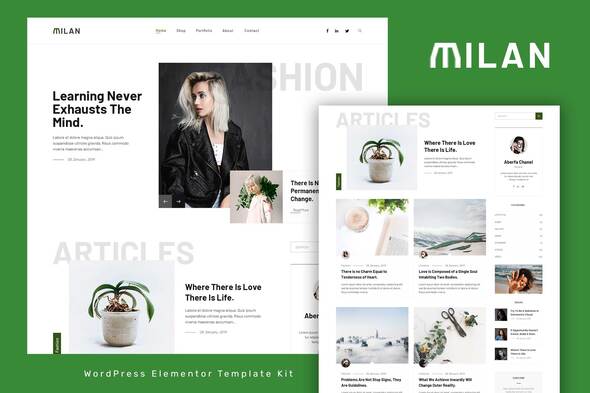
Milan is the Blog/Magazine Elementor Template Kit, that perfectly fits for any blogger needs. Milan’s clean & balanced layout make it best choice for bloggers. The Kit includes a lot of templates that are easy to edit using Elementor page builder for WordPress and has been optimized for use with the free Hello Elementor theme but may be used with most themes that support Elementor. Elementor Pro upgrade is required for post and theme builder features (not included) Kit Includes: Home 1 Template Home 2 Template Home 3 Template Footer Template Contact Page Template Archive Author Template Archive Category Template Archive Tags Template Archive Search Template 404 Page Template Off Canvas Menu Template Single Post 1 Page


Blabber Template Kitis a collection of powerful & trendy pre-designed templates for a clean & fresh WordPress Blog. It will also perfectly fits business, professional, creative, writer’s & world news magazine. How to Use Template Kit Elementor Blog Template Kit Features 15+ pre-made demos; Optimized for search engines; Ultra responsive layout; Retina ready; Fully customizable; Powerful & Lightweight; Cross Browser Compatibility: Firefox, Chrome, Safari, Opera This Template Kit uses demo images from Envato Elements. You will need to license these images from Envato Elements to use them on your website, or you can substitute them with your own https://elements.envato.com/image-Y3WF8NB https://elements.en
0/ 2
81
Blog4lifeis a collection of powerful & trendy pre-designed templates for a clean & fresh WordPress Blog. It will also perfectly fits business, professional, creative, writer’s & world news magazine. How to Use Template Kit Elementor Blog Template Kit Features 15+ pre-made demos; Optimized for search engines; Ultra responsive layout; Retina ready; Fully customizable; Powerful & Lightweight; Cross Browser Compatibility: Firefox, Chrome, Safari, Opera List of Required Plugins Elementor Pro Elementor iFeed For Elementor Extensions For Elementor WooCommerce How to Install: Install and Activate the “Envato Elements” plugin from Plugins > Add New in WordPress, then import the Kit zip under Elements > Installed Kits b
0/ 2
10
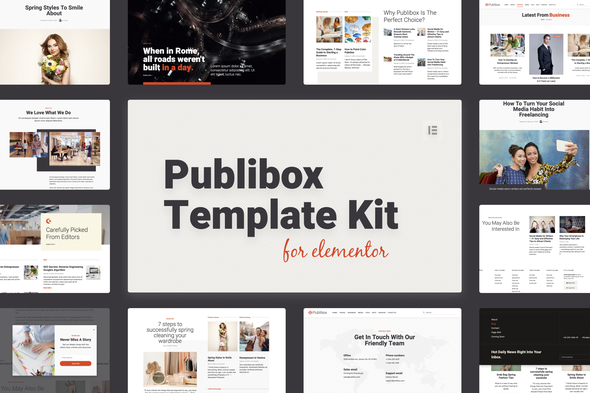
Publibox Elementor Template Kit – a complete site builder solution for your blog, newspaper or magazine website Use Publibox to build your next website to sell services or present your company. Ready to use pages and sections like pricing tables, frequent asked questions, team , hero section, coming soon page and many more. Publibox comes with 14 templates that can be imported and easily changed based on your needs. Elementor Templates included - Home page template - Single post/article template - Blog template - Search articles template - Articles archive template - Contact page template - About us page template - Header template - Footer template - Popup templates: Subscribe to newsletter, Cookie policy, Popup full menu triggered f
0/ 0
17
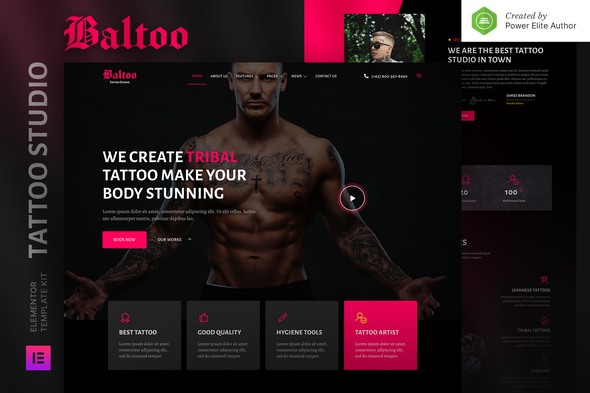
Baltoo is a modern and clean Elementor Template Kit that perfect for those who want to create a professional-looking WordPress-based website for a Tattoo studio, piercing, tattoo artist, or any other related business. This template has a professional design with a 100% responsive layout, retina-ready, and very easy to customize because using Elementor so you don’t need a single line of coding! This template kit includes 16+ carefully crafted templates, you can build your professional-looking company business website just a click away. Features: Using Free Plugins (Elementor Pro is not required) Modern & Clean Design 15+ Ready to use templates Fully Responsive Layout Retina Ready Fully Customizable Cross
0/ 0
0
Dostosowywanie strony zamówień WooCommerce Za pomocą tej wtyczki można dostosować stronę zamówień zaplecza (znajdującą się w menu WooCommerce). Pozwoli ci to dostosować kolejność kolumn, włączyć / wyłączyć żądane kolumny i zmienić rozmiar kolumn. Włącz Wyłącz kolumny Wybierz jedną z następujących kolumn, w tym istniejące kolumny domyślne WooCommerce: - Nazwa klienta E-mail Numer telefonu Metoda płatności Metoda wysyłki Całkowity rabat Zamówienie Rabat Numer zamówienia Status (tekst) Koszyk Rabat Koszty wysyłki IP klienta Zmień kolejność kolumn Po prostu przeciągnij i upuść kolumny odpowiadające Twoim preferencjom. Te zmiany są zapisywane na użytkownika. Reszie Columns Wprowadź szerokość w pikselach, a kolumna automatycznie zmieni rozmiar na szerokość w pikselach
3.62/ 13
245