
Clevent is a Complete Elementor template kit event and conference website. Clevent is suitable for event listing, conference, event, congresses, convention, activity, exhibition, meetup, organization, seminar, summit, ticket and workshop sites. Clevent have 14 Different Pages For Your Event Website and 15+ Extra Block Templates For Elementor. NOTES: This is not wordpress theme, it is Elementor template kits. What is the Elementor Template Kits? The Elementor Template Kits is a library which contains over 10 pre-designed page templates, as well as templates that were saved by the user. The Library allows you to quickly create designed pages and customize them to be your own, saving you from building all pages from scratch. DEMO PAGE


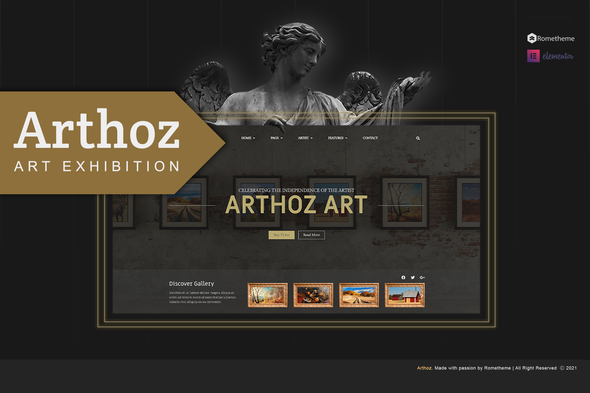
Arthoz is designed for art, exhibition, portfolio, painting, businesses or any type of person or business who wants to showcase their work, services and professional way. Templates : Homepage 1 Homepage 2 Homepage 3 About Us Event & Programs Gallery Art Tickets Our Artist Artist Statement Testimonial Shop List Faqs Blog Single Post Single Product Contact Features: Header & Footer Builder How to Install: Install and Activate the “Envato Elements” plugin from Plugins > Add New in WordPress, then import the Kit zip under Elements > Installed Kits by clicking the Upload Template Kit button. Before importing a template, ensure the Install Requirements button is clicked to activate required plugins
0/ 2
6
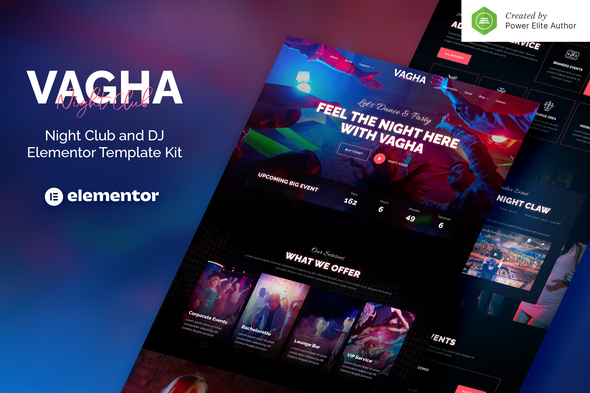
Vagha is an Elementor Template Kit for quickly and easily creating websites for your business using the Elementor Page Builder plugin for WordPress. This kit has been optimized for use with the free Hello Elementor theme but may be used with most themes that support Elementor. This template has a creative and unique design with a 100% responsive layout, retina-ready, and very easy to customize. This template kit includes 16+ stunning carefully crafted templates, you can build your professional-looking company business website just a click away. Features: Using Free Plugins (Elementor Pro is not required) Modern & Clean Design 16+ Ready to use templates Fully Responsive Layout Retina Ready Fully Customizable Cross Browser Co
0/ 1
8
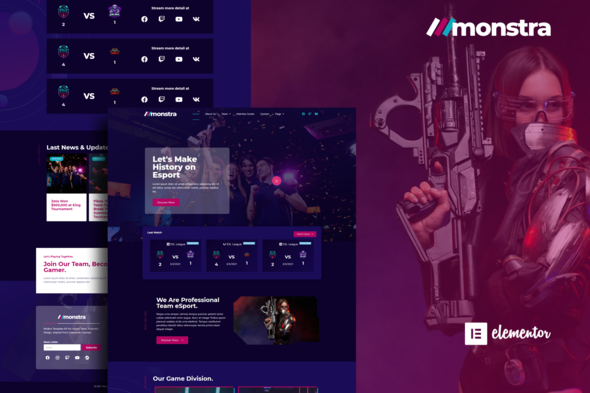
Monstra is Elementor Template Kit for e sports gaming website and related services. This template layout has modern style and suitable for any business related to e sport game. Save your time to make cool gaming website with this elementor template kit. Templates : Homepage About Us Blog Contact Error 404 Matches Center Membership Single Post Single Team Sponsor Page Archives Team This kit requires the Elementor Pro upgrade for some templates and features (not included) How to Install: Install and Activate the “Template Kit Import” plugin from Plugins > Add New in WordPress Do not unzip Go to Elements > Installed Kits and click the Upload Template Kit button. Before importing a template, ensure the Install Re
0/ 1
1